SoundNote · Voice To-Do & Notes
Speak once.
It is already filed.
Hold to talk. The sentence becomes text and lands as a to-do or an entry on the day you picked. No typing, and no deciding where it belongs first.
Download on the App Store See how it works
Recordings and text stay on this device. Speech-to-text is provided by Apple and needs a connection.
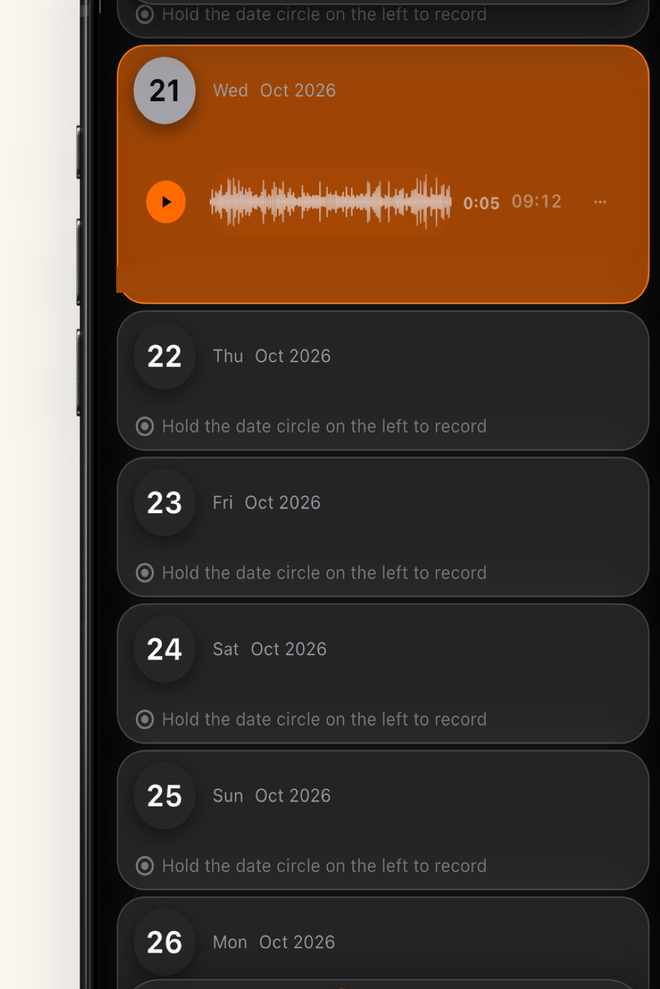
- One sentence
- Becomes one record: a to-do, a note, or an entry.
- 42 tools
- On-device utilities, practical and office, zero network.
- Zero accounts
- No account, no server. Everything stays on your device.
- One purchase
- Pro is bought once. No subscription, no renewal.
How it works
Three steps, from voice to record.
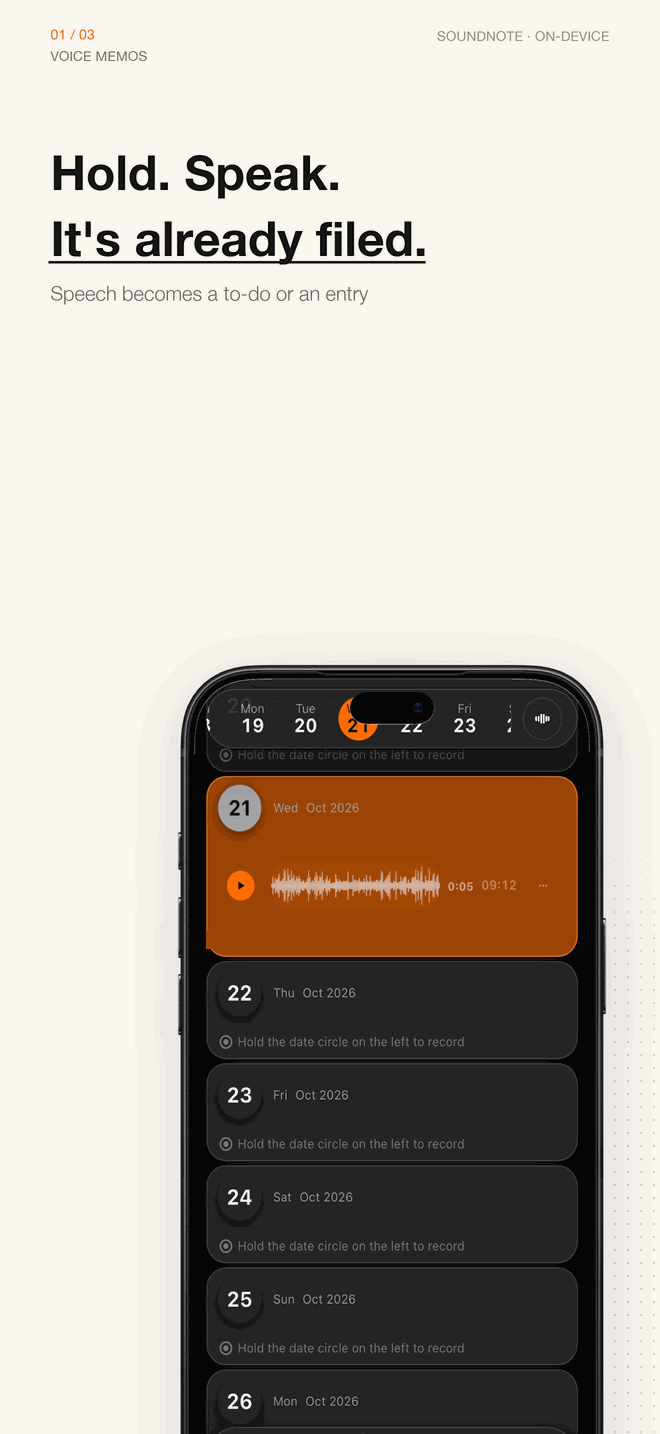
The app opens straight into voice input: hold to talk, release, and you have a time-stamped record. Add a category or a reminder later, only if you want to.
-
01
Voice capture
Failures are named — nothing heard, no connection, no microphone permission — with a jump straight to Settings.
-
02
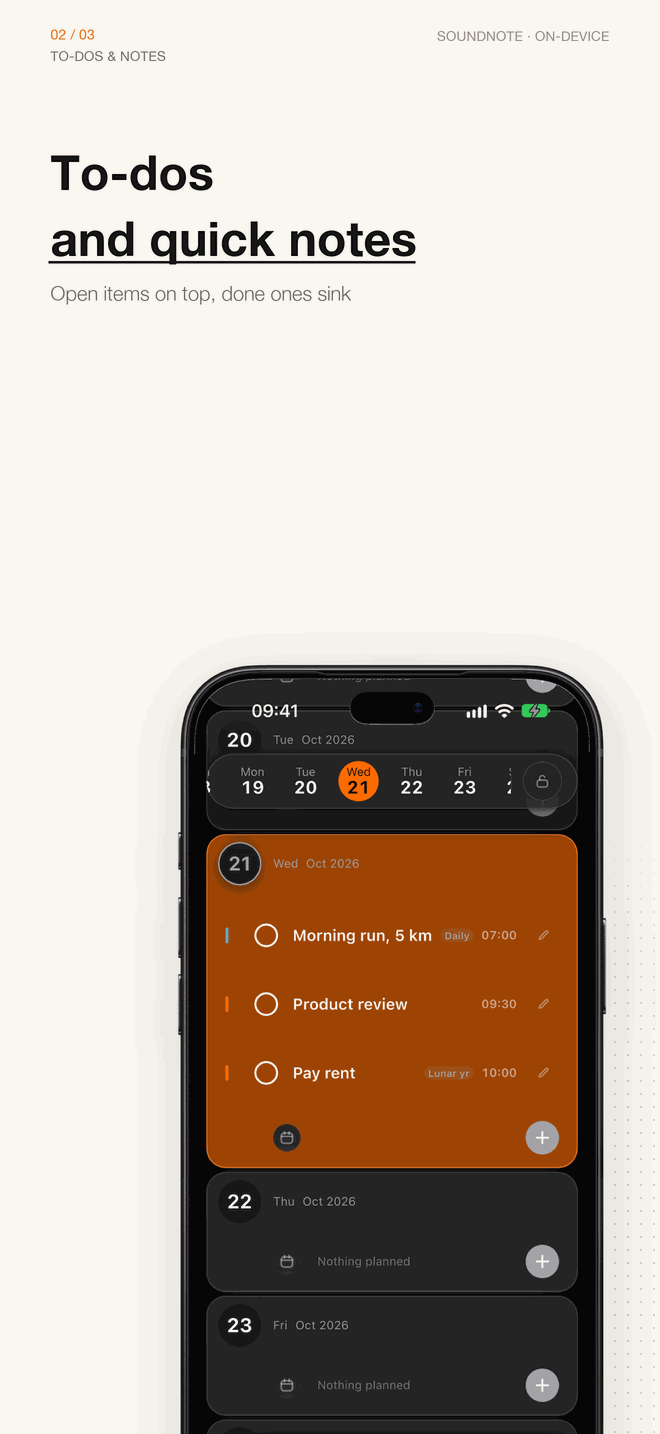
To-dos & lists
Open items on top, completed ones sink. Pins, sub-tasks and reminders are all there, across as many lists as you need.
-
03
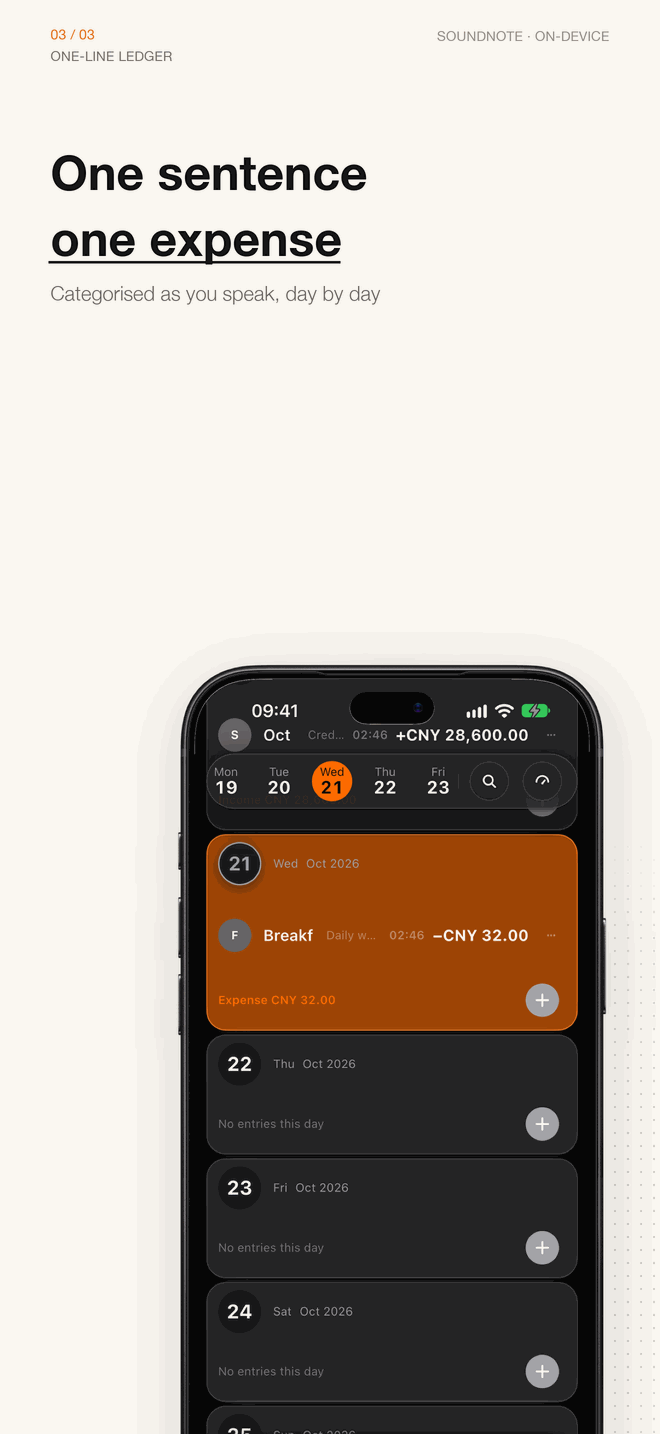
One-line ledger
Log an entry in one sentence; the day fills up as a stream, with categories, budgets and accounts at a glance.
Privacy
Stored on device. Recognised by Apple.
Recordings, transcripts, to-dos, entries and settings live in your phone (app private container and Keychain), stored encrypted. There is no account and no server of ours, so we cannot see your content.
- Speech-to-text is provided by Apple speech recognition and needs a connection; that audio may be processed by Apple under its privacy policy. Our servers never receive or store the audio or the transcript.
- No ad SDK, no third-party analytics, attribution or behavioural tracking, and no remote crash reporting. No profiling, so no ATT permission is needed.
- The app keeps a local counter of anonymous usage (which steps ran, which kind of failure) and crash logs. They stay on your phone, are never uploaded automatically, and you can view, copy or clear them in Settings - Diagnostics.
- All 42 tools and document handling (scanned text, image text, PDF) run on device. Deleting the app removes that local data — export an encrypted backup before switching phones.
Price
Free to start. Buy once if it earns it.
Pro is a one-time in-app purchase. After changing phones, tap Restore Purchases with the same Apple ID. No subscription, no auto-renewal.
Free
Ready on install
- 5 records a day (to-dos and voice notes share the pool)
- Up to 10 text notes; delete one to free a slot
- 3 voice notes a day, up to 120 seconds each
- 2 lists and 2 countdowns
- View, edit and delete anything already saved
Pro One-time
US$14.99Price and currency are shown by the App Store
- Unlimited records
- Unlimited voice notes, up to 5 minutes (300 s) each
- All 42 on-device tools (practical and office)
- Every desktop theme card: type, watermark and photo
- Full-screen ring at the due time (iOS 26+ can bypass silent mode)
Free limits only apply to new records; viewing, editing and deleting what you already have is never blocked. Price, currency and availability are shown by the App Store for your storefront.
Availability
Available in 147 countries and regions.
Mainland China is completing ICP filing and the 27 EU countries are completing DSA trader status. Both show as unavailable in the App Store for now; once filing and review finish, the app can be downloaded there without an update.
If you are in one of those regions, the contact details are on the Help & Support page, or email huayanming2019@gmail.com for progress.